Screenshots
This page is a visual tour of the main Callytics screens. Replace the placeholder images with real screenshots from your deployment.
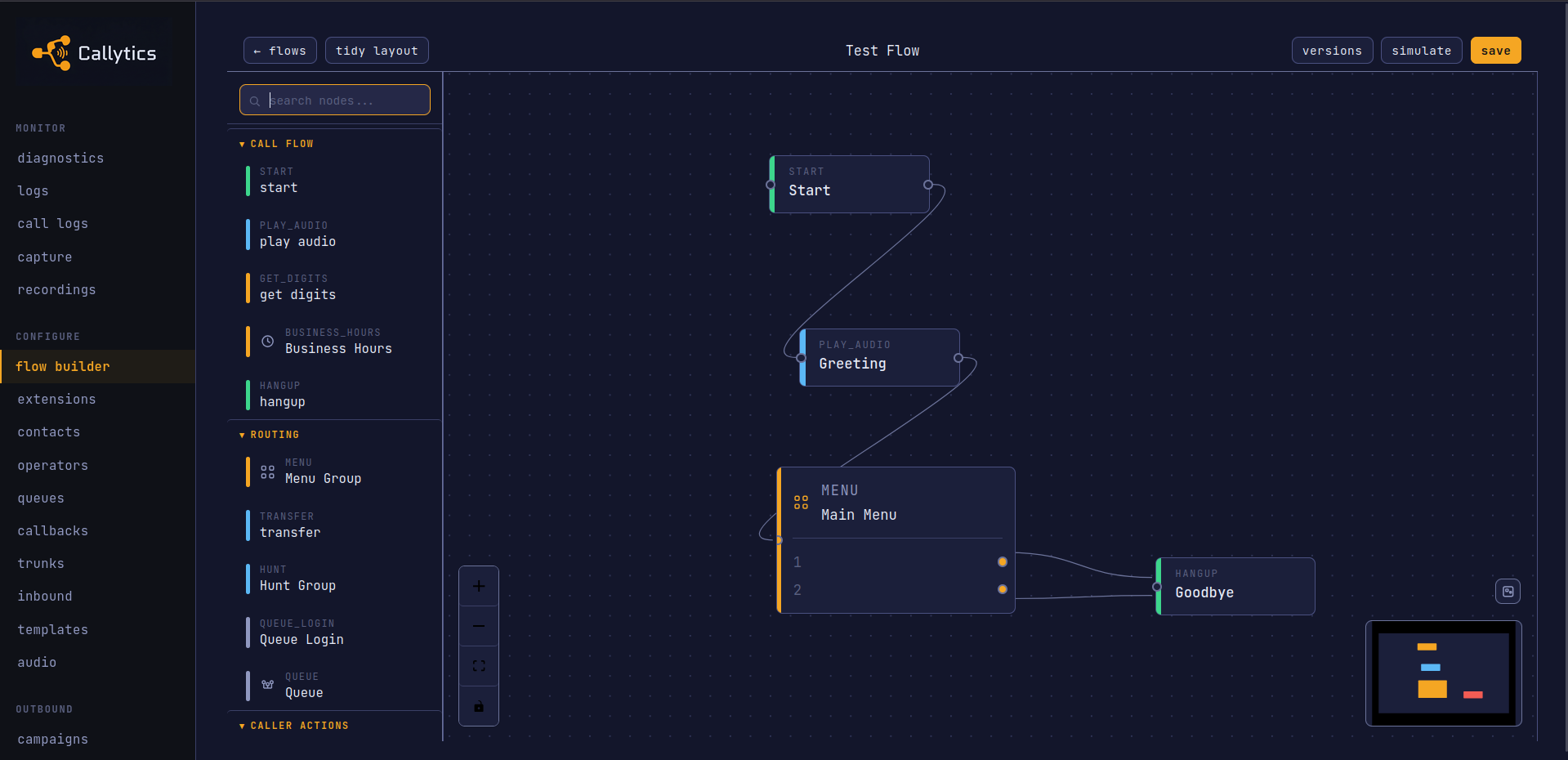
Flow Builder
This is the visual IVR canvas where flows are built with drag and drop nodes. It shows how menus, routing, playback, queues, and other call steps connect.
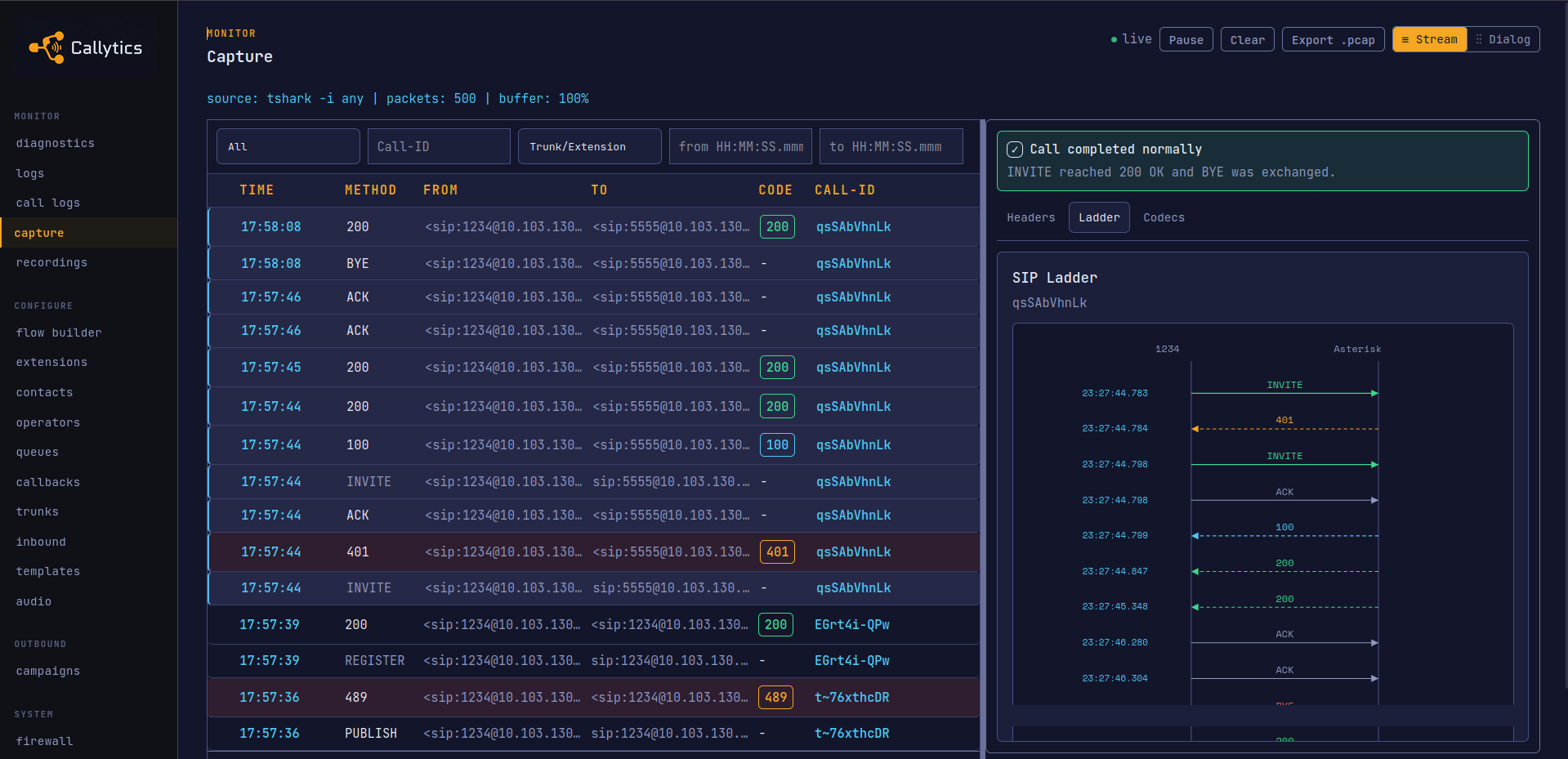
SIP Ladder Diagram
This view shows a single call's SIP exchange in sequence. It is useful when you need to see where setup failed or export the traffic as a .pcap.
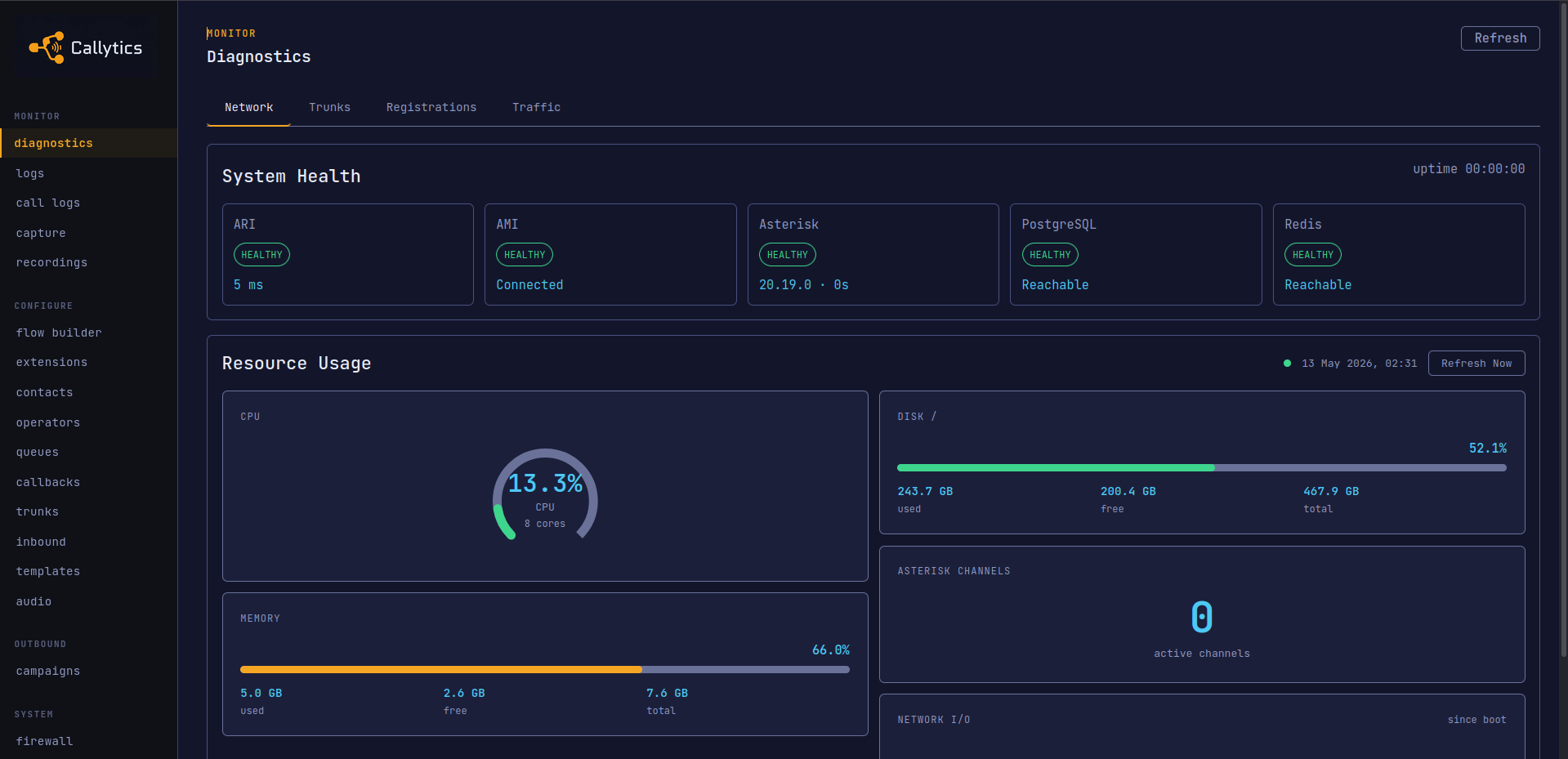
Dashboard & Diagnostics
This screen shows the overall system state in one place. You can check service health, SIP status, and uptime without going to the shell.
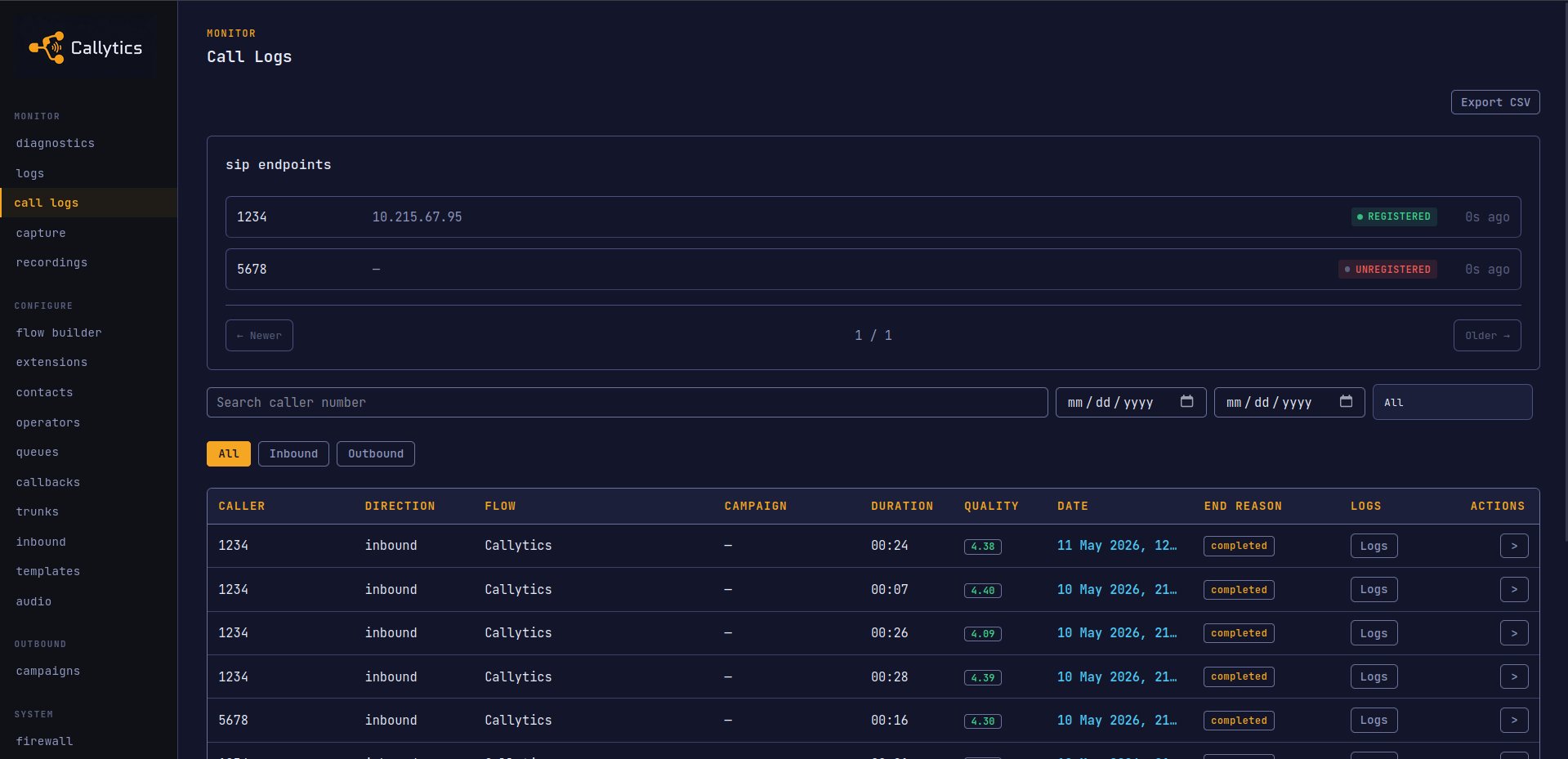
Call Logs
This is the call history view for searching and inspecting completed calls. It is where you check call status, trace flow execution, and export CDR data.
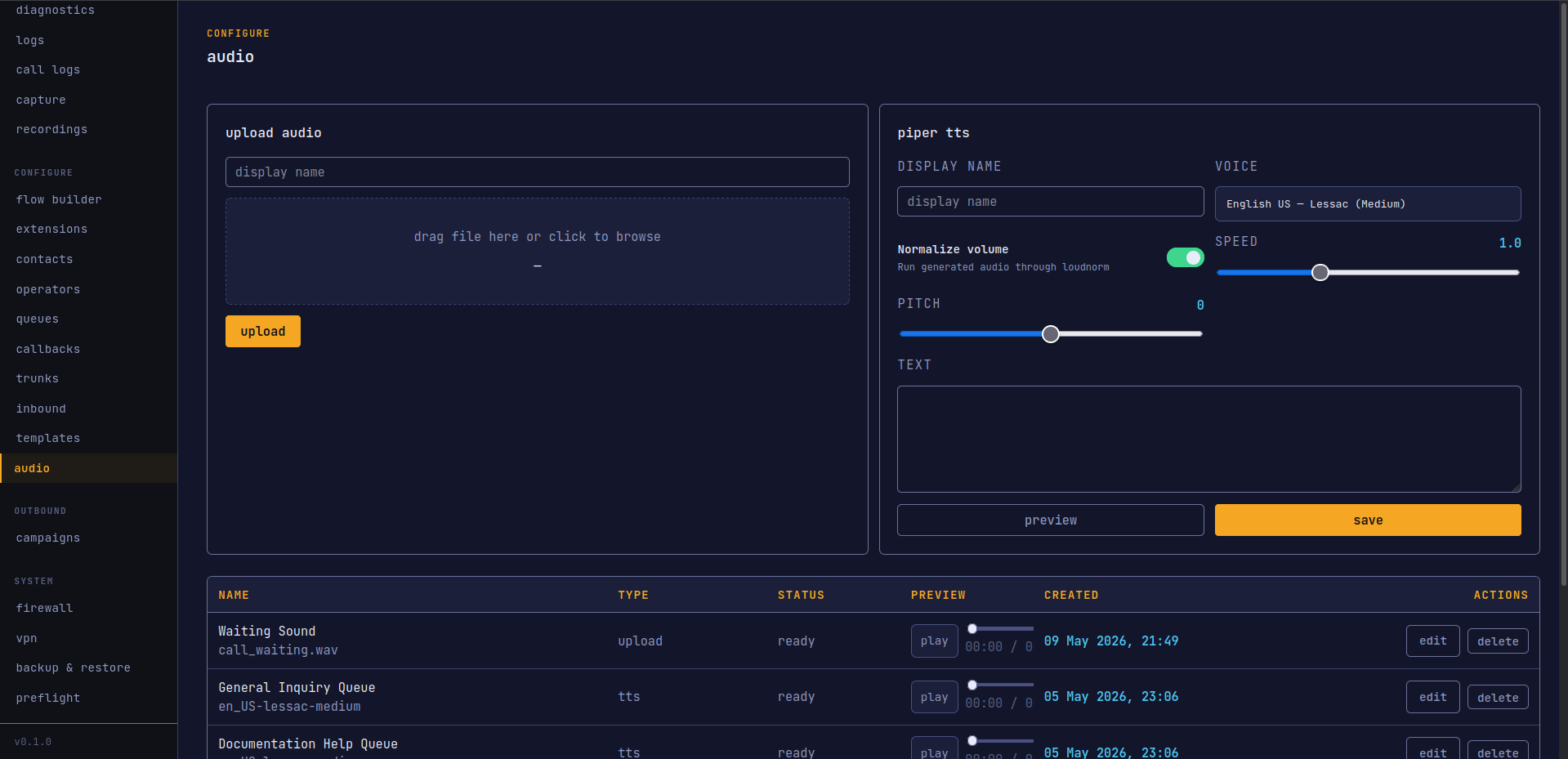
Audio Manager
This page is where prompts are uploaded, previewed, and organized. It also includes offline Piper TTS and an audio preview player for checking generated prompts.
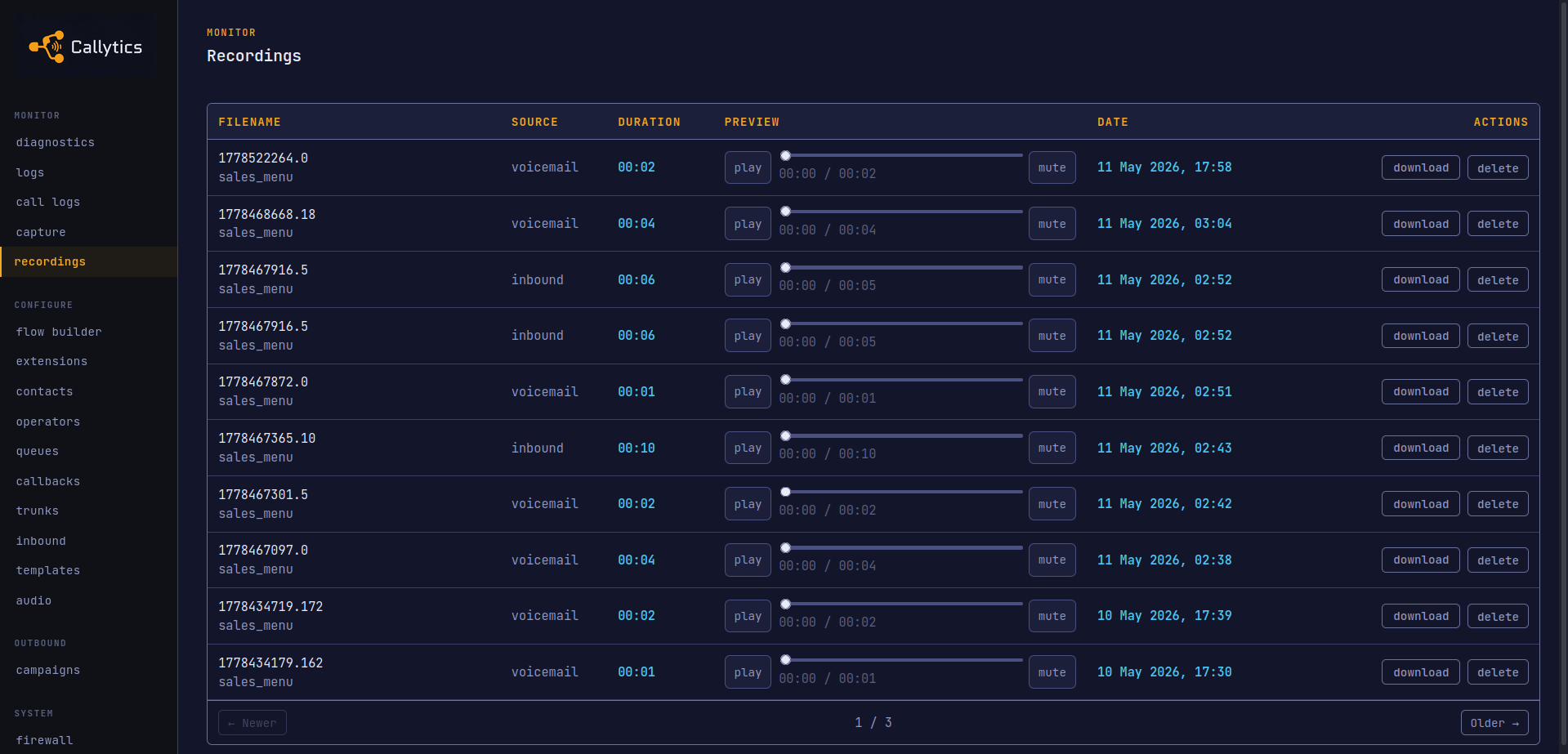
Recordings
This screen lists bridged call recordings and lets you review them in the browser. Use it when you need to replay a completed conversation or download the file.
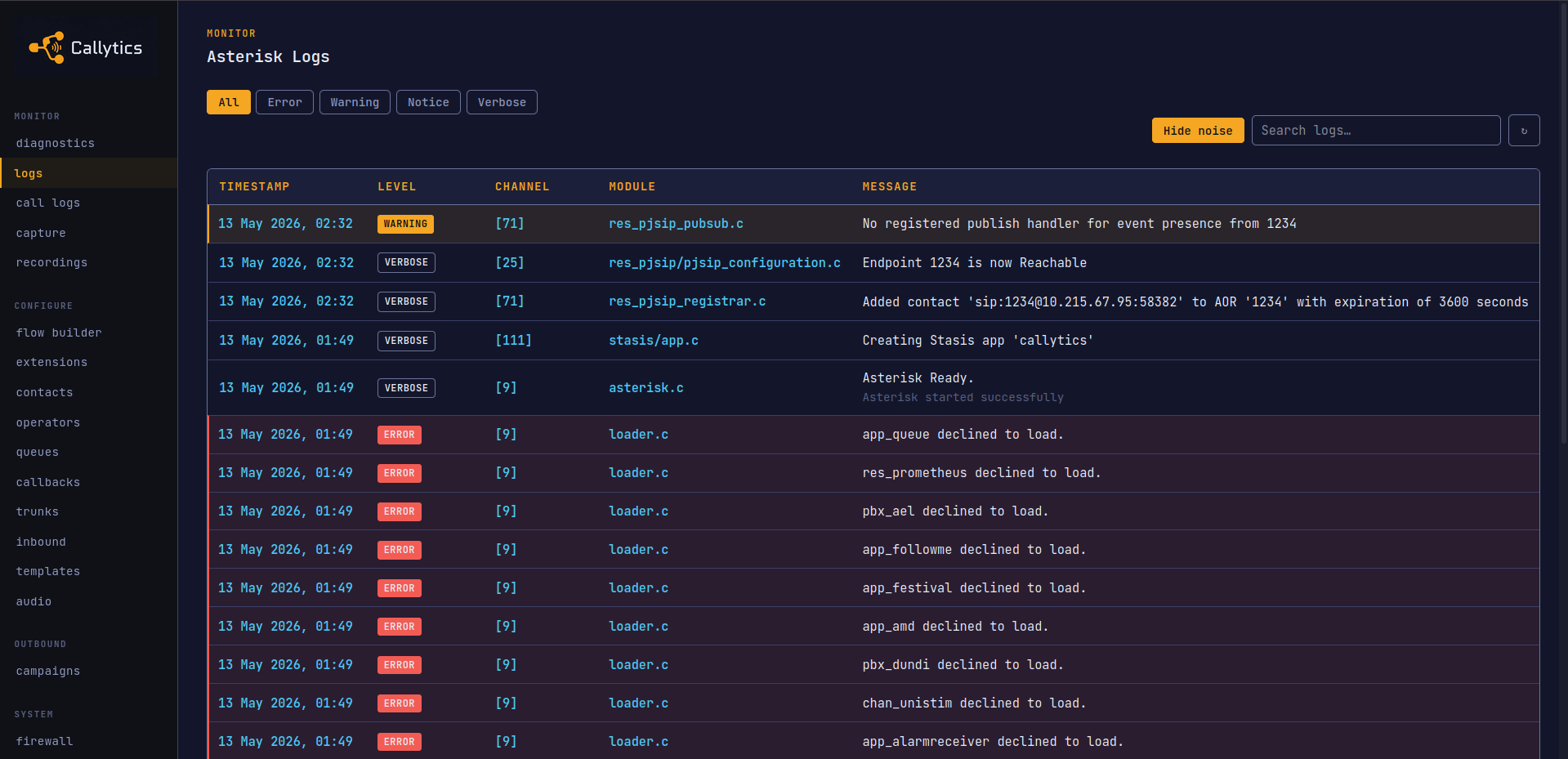
Asterisk Logs
This is the live Asterisk log viewer inside the UI. It helps when you want to inspect telephony events without tailing logs in the container.
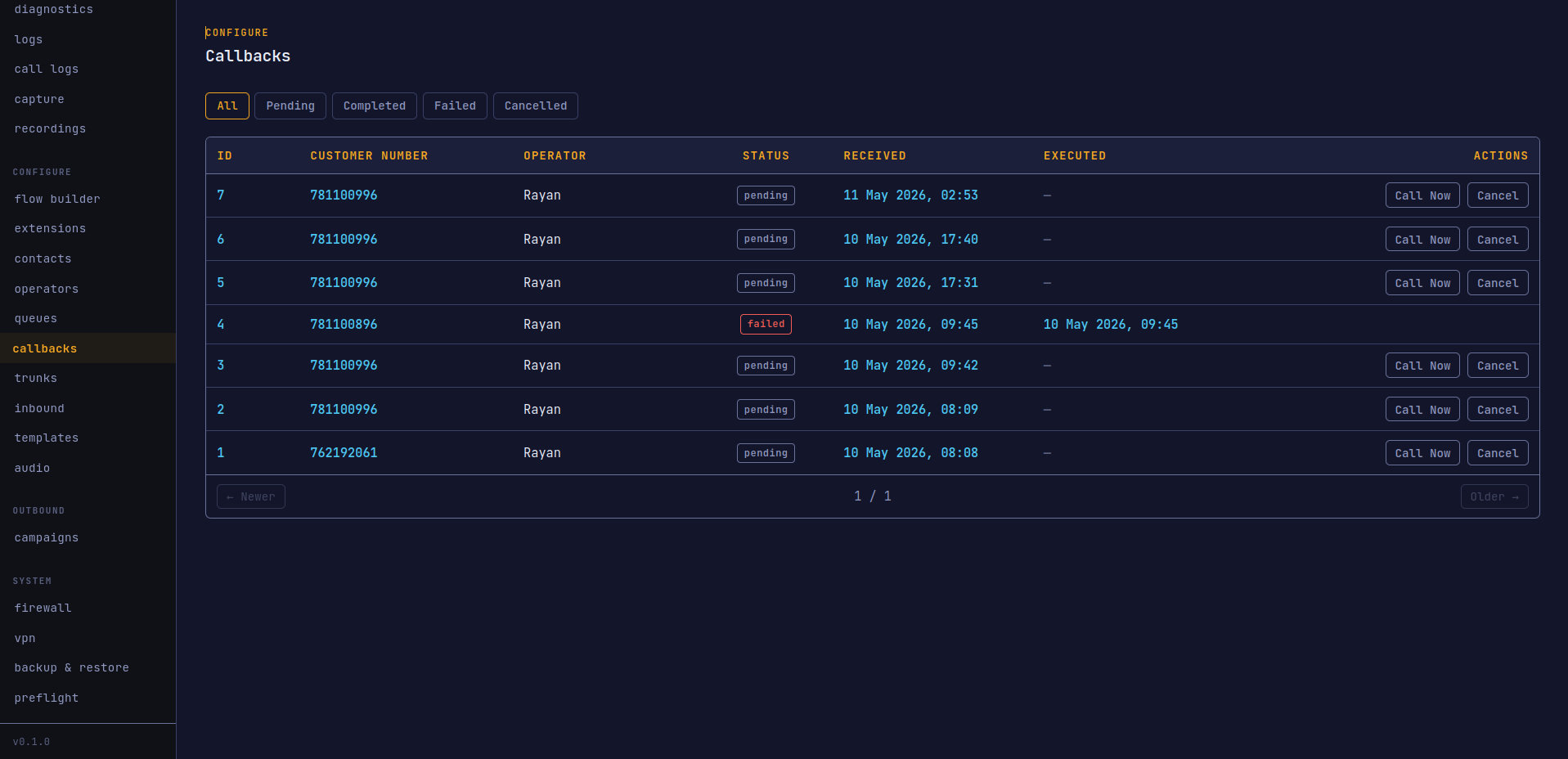
Callbacks
This screen covers inbound callback workflows. It is where scheduled callbacks are managed.
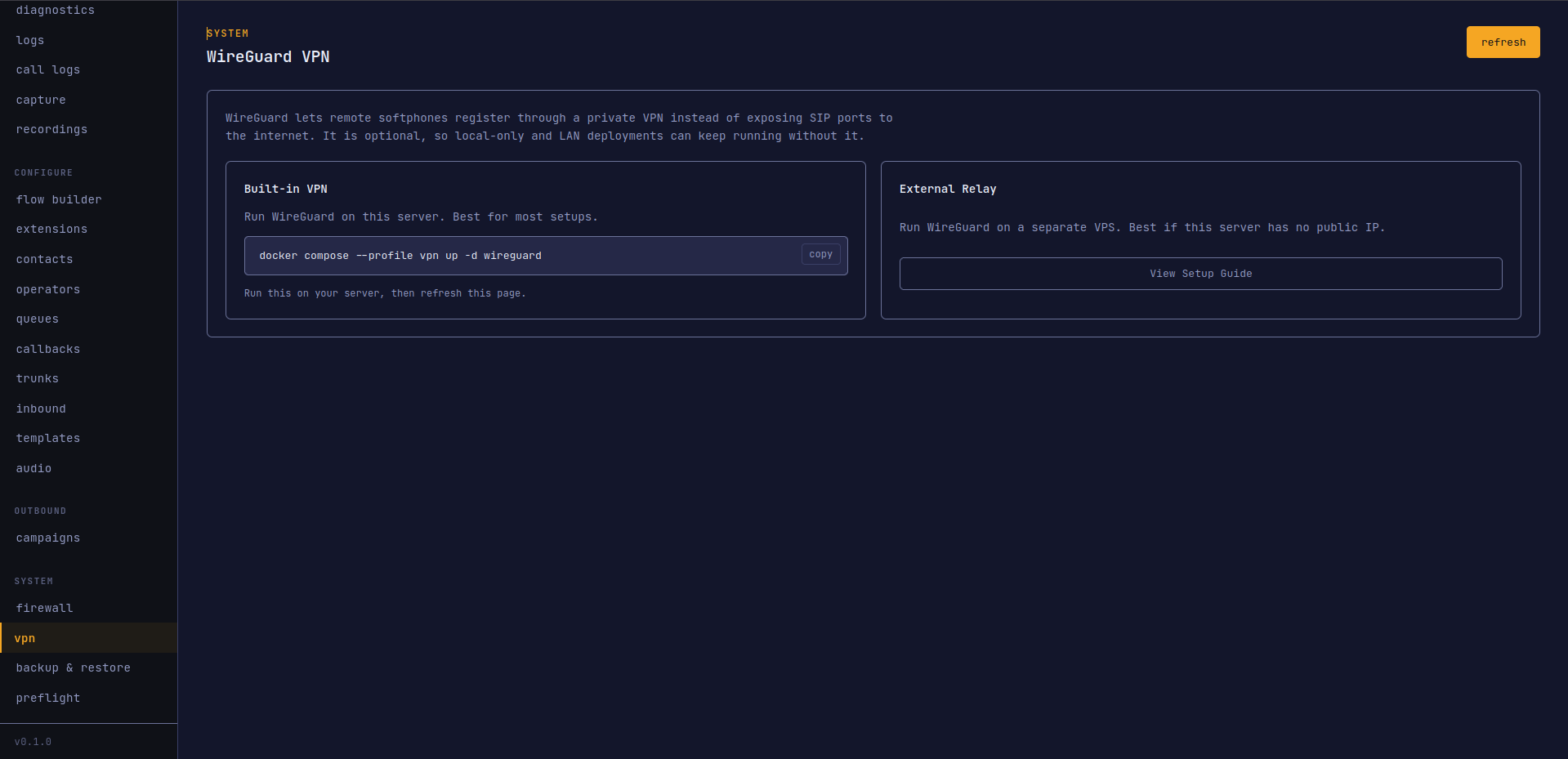
WireGuard VPN
This page shows the relay and peer setup for WireGuard access. QR provisioning is used here to onboard remote devices quickly.
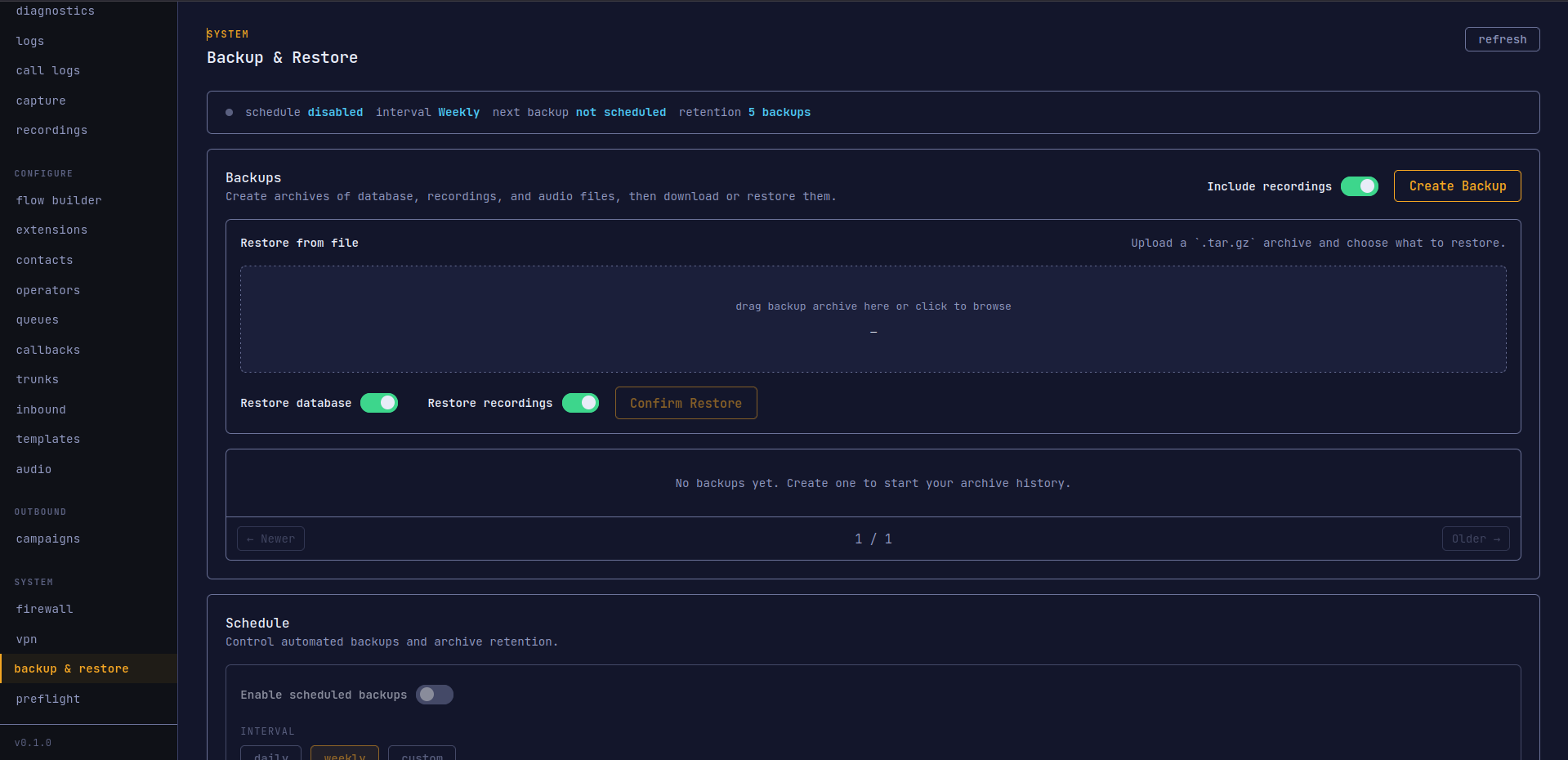
Backup & Restore
This screen is for scheduled backups and recovery. It shows saved archives and gives you a direct restore path when you need to roll back.